Search “dentist near me” from a flat in Malviya Nagar and Google shows you three clinics on a map before it shows a single website. Those three spots get the calls. Google Business Profile optimization is how a clinic, café or showroom earns one of them, and most of the work is free, slightly tedious and ignored by competitors who set up their profile in 2019 and never opened it again. That’s why a few weeks of careful effort can move a local business up the map faster than almost any other SEO task.
Key takeaways
- Google ranks local results on relevance, distance and prominence, and says nobody can pay for a better spot.
- Whitespark’s 2026 survey of local SEO experts puts the primary category at the top of all local pack factors.
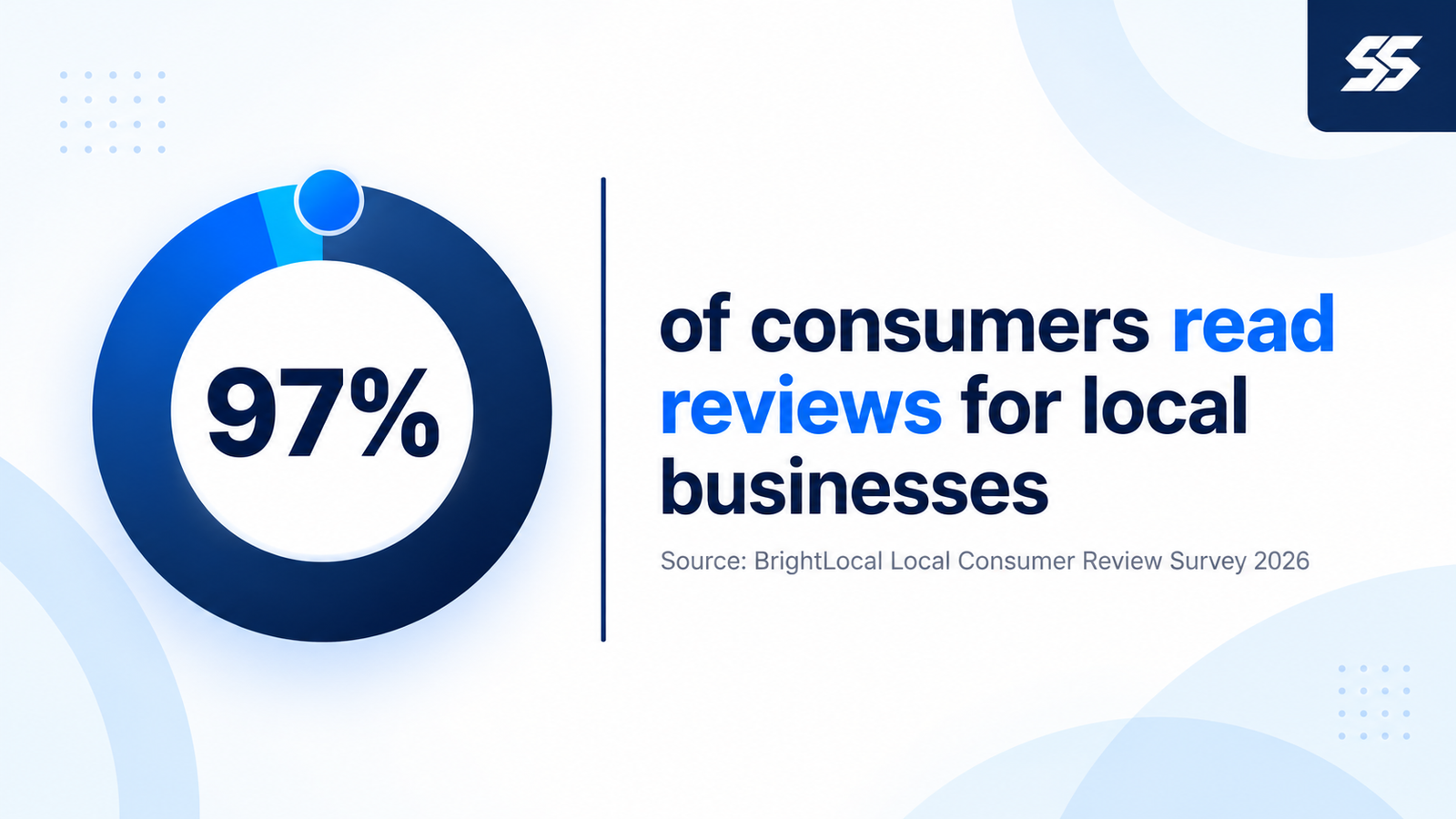
- BrightLocal found 97% of consumers read reviews for local businesses.
- Stuffing keywords into your business name can lift rankings briefly. It also breaks Google’s rules and gets profiles suspended.
- Q&A has gone from Business Profiles, so older guides telling you to seed questions are out of date.
How does Google rank businesses in the local pack?
On three things. Google’s own help page says “Local results are mainly based on relevance, distance, and popularity” (Google Business Profile Help), where relevance is how well a profile matches the search, distance is how far the business is from the searcher, and prominence comes from how well known it is, including links and reviews. The same page is clear that “There’s no way to request or pay for a better local ranking on Google.”
Distance you can’t change. A Vaishali Nagar bakery won’t outrank a Mansarovar bakery for someone standing in Mansarovar, no matter how good its photos are, so the realistic goal is to win your own neighbourhood and the ones next to it, and to make relevance and prominence do the heavy lifting there.
Practitioners broadly agree with Google’s framing. Whitespark’s 2026 Local Search Ranking Factors survey asked local SEO specialists to score dozens of signals, and it ranks these as the top five individual factors for the local pack (Whitespark):
| Rank | Factor | What you control |
|---|---|---|
| 1 | Primary Business Profile category | Fully |
| 2 | Proximity of address to the searcher | Not at all |
| 3 | Keywords in the business title | Only your real name |
| 4 | Physical address in the city searched | Partly |
| 5 | Business open at time of search | Your listed hours |
Step 1: Get the basics right
Start with what Google checks first. Its guidelines say your business name “should reflect your business’s real-world name” (Google Business Profile Help), with no taglines or extra keywords, and that the phone number should connect to that specific location rather than a central call centre wherever possible.
Address rules trip people up. Google says P.O. boxes don’t count, and a rented address you don’t operate from doesn’t either, so a plumber or pest control company working out of a home in Jhotwara should set up as a service-area business, hide the home address and list the localities it covers, and skip renting a “virtual office” in C-Scheme altogether.
Then hours. Whitespark’s experts rank “open at time of search” fifth, and a sweet shop that closes at 10 p.m. but shows 9 p.m. on Google quietly drops out of every late-evening search for an hour each night. Add special hours for Diwali, Holi and Teej too. Customers notice when the shutter is down and Google said open.
Step 2: Pick the right primary category
It’s your biggest lever. Google tells businesses to “use as few categories as possible” and to pick ones that are “as specific as possible, but representative of your main business” (Google Business Profile Help), and Whitespark’s survey puts the primary category at number one for a reason: it’s the clearest relevance signal Google gets from you.
Be specific. A Raja Park restaurant serving Rajasthani thalis is better off as “Rajasthani restaurant” than plain “Restaurant”, if the more specific category exists in the list, and a clinic doing only orthodontics should lead with “Orthodontist” over “Dentist”. Our restaurant SEO and dental SEO pages go deeper on category choices for those two trades. Check what the top three businesses in your locality use (browser extensions such as GMB Everywhere show this; it has a free tier) before you decide, then add two or three secondary categories at most.
Step 3: Fill in services, products and attributes
Empty fields cost matches. Google says “Businesses with complete and accurate info are more likely to show up in local search results” (Google Business Profile Help), and the services and products sections give you room to name what people search for, from “root canal treatment” to “bridal lehenga on rent”.
Write the business description in plain language. Say what you do, the areas of Jaipur you serve and anything that sets you apart, and skip the keyword lists. Attributes matter more than they look. Wheelchair access, parking, card or UPI payment and “women-owned” all show on the profile and can tip a decision between two similar shops on Tonk Road.
Step 4: Photos and posts
Real photos sell. Google notes that you can “show customers what you offer and tell the story of your business with photos and videos” (Google Business Profile Help), and a profile with the shopfront, the inside, the team and the actual products gives a first-time visitor far more confidence than one blurry logo uploaded in 2020. Shoot them on a phone in daylight. Add a few every month.
Posts are cheap to keep up. Use them for offers, new arrivals or event dates (a Navratri collection, a new branch opening in Jagatpura), with one clear photo and a button. They won’t transform rankings on their own, but an active profile looks cared for, and a stale one looks closed.
How do you get more Google reviews in Jaipur?
Ask every customer, at the right moment, without offering anything in return. That last part is Google policy. Its contribution rules ban merchants from offering incentives such as “payment, discounts, free goods and/or services” in exchange for posting any review (Google Maps contribution policy), and they also bar businesses from discouraging negative reviews or “selectively” soliciting positive ones.
Buyers lean on reviews heavily. BrightLocal’s 2026 Local Consumer Review Survey found that 97% of consumers read reviews for local businesses and 71% use Google to read them (BrightLocal), so for plenty of Jaipur shoppers your star rating is probably the first thing they check, well before they ever open your website.
The same BrightLocal page reports that, in its 2026 Consumer Search Behavior study, 65% of consumers who rejected a business did so for a review-related reason, including no reviews or old ones (BrightLocal). Recency matters, in other words. A steady trickle of five or six reviews a month beats a burst of forty in one week and then silence.
How do citations and your website help?
Google cross-checks everything. Keep your business name, address and phone number identical on Justdial, IndiaMART, Sulekha, Facebook and your own site, because “Shop No. 12, Raja Park” in one place and “12 Raja Park Main Rd” in another looks like two different businesses to a machine that’s trying to work out which one is real.
Your website does the rest. Each location should have its own page with the address, a map, opening hours and the services offered there, linked from the profile, and local press or association mentions help too; we covered why brand mentions now rival backlinks in a separate piece. If the site itself has crawl or speed problems, our technical SEO audit guide is the place to start.
What changed in 2025 and 2026?
Q&A disappeared. Whitespark reported in January 2026 that after Google announced in fall 2025 it was deprecating the Q&A API, “legacy questions and answers are no longer present on your Google Business Profiles” (Whitespark). In the Maps app, many profiles now show an AI-driven “Ask a question” feature that answers from the information already on the profile and in reviews.
That shift makes complete profiles more valuable. If an AI answer about your parking, timings or price range draws on your listing and your reviews, every blank field and every unanswered complaint feeds into the answer a customer gets. Fill the profile out properly. Reply to reviews that ask questions, since those replies are now part of what gets read back.
Mistakes that get profiles suspended
Keyword-stuffed names top the list. Whitespark’s experts rank keywords in the business title third among local pack factors. That’s why so many Jaipur listings read like “Best Dental Clinic Jaipur Dr Sharma Painless Root Canal”, and it works until a competitor reports it or Google’s systems catch it. Then the profile gets suspended. Use your real name.
Virtual offices are risky too. A coworking desk in Malviya Nagar that nobody staffs isn’t a valid address under Google’s rules, and creating a second profile for the same shop to cover another locality usually ends with both being flagged. Review gating is the quiet one; sending review links only to happy customers breaks the contribution policy and can wipe out the reviews you worked for.
Already suspended? Don’t start over. Fix the violation first, then submit Google’s reinstatement request with photos of the signboard and shopfront as evidence, because a brand-new profile for the same address usually gets flagged as well. Our local SEO team in Jaipur can help with the request and the clean-up around it.
Where to start this week
Start today. Open your profile and fix the name, category and hours. Then check the top three competitors in your locality, note their primary categories and review counts, and set a realistic target for the next 90 days: a complete profile, ten fresh photos, every service listed and a steady rhythm of new reviews with replies. Send us your profile link if you’d like a second pair of eyes on it before you start.