Local SEO guide: how to rank your business on Google Maps
Key Takeaways
- Google Maps rankings are driven by three factors: Relevance (does your profile match the search), Distance (how close you are to the searcher), and Prominence (how trusted your business looks to Google).
- A complete, accurate Google Business Profile with photos updated weekly is the single highest-leverage action for local ranking — most businesses set it once and forget it.
- Reviews matter more than volume. A steady trickle of recent, detailed reviews outperforms a burst from two years ago. Recency is the signal Google weights most heavily.
- Local citations (consistent Name, Address, Phone across directories) build the trust layer that lets Google surface your business with confidence.
- Your website needs location-specific landing pages with local schema markup to reinforce every signal your Google Business Profile sends.
Pull up Google Maps and search for any service in your city. The top three results are cleaning up the majority of calls, clicks, and walk-ins for that search. Everything below the map pack gets a fraction of that traffic. Ranking in those top three spots is what local SEO is built to do, and this guide covers every layer of it.
The good news: most local businesses are doing local SEO badly. Incomplete profiles, wrong phone numbers in directories, reviews from 2023 sitting unanswered. The bar to clear is lower than it looks. Here’s how to clear it systematically.
How Google Maps ranking actually works

Google Maps rankings are not random and they’re not purely about distance. Google uses three signals to decide which businesses to show in the local pack: Relevance, Distance, and Prominence. Understanding what each signal measures tells you exactly where to focus.
Relevance measures how well your Google Business Profile matches what someone searched for. A plumber whose profile has no service descriptions, no photos of plumbing work, and no mention of “emergency repairs” will lose a relevant query to a competitor whose profile is built around exactly those terms. Google reads your profile like it reads a webpage. The more precisely it describes what you do, the more often it surfaces you for the right searches.
Distance is the factor businesses try to game the most and can control the least. Google calculates proximity based on the searcher’s location and your registered business address. If someone is searching three suburbs away, you’ll naturally rank lower for them than a competitor two blocks from their location. You can’t fake proximity. What you can do is rank so prominently on the other two factors that Distance becomes the tiebreaker in your favor.
Prominence is the trust and authority layer. It combines review count, review recency, review quality, backlinks to your website, citation consistency, and engagement signals like clicks and direction requests from your profile. This is where most of the optimization work lives, because it’s the factor you can move the fastest with deliberate action.
According to BrightLocal’s local consumer research, 98% of consumers used the internet to find local business information in the last year. The people who are searching for what you do are already on Google Maps. The question is whether they find you or your competitor.
Setting up your Google Business Profile to rank
Your Google Business Profile (GBP) is the core asset for local ranking. Most businesses treat it as a one-time setup. The ones that rank treat it as an active channel.
Complete every field. Business name, address, phone, website URL, hours, holiday hours, and a description that uses your primary service keywords naturally in the first 250 characters. Google surfaces profiles that are complete. Partially filled profiles rank lower than complete ones for the same search, consistently.
Select the right categories. Your primary category is the most important ranking signal on the profile. Choose the single most specific category that matches your core service. Don’t pick “Local Business” when “Plumber” is available. Add secondary categories for related services you offer. Wrong categories are a common reason businesses appear for irrelevant searches and miss the relevant ones entirely.
Add photos weekly. Google weighs profile activity. A business that adds photos regularly signals to Google that the profile is managed and current. Use real photos of your premises, your team, your work, and your products. Not stock photos. The profiles that rank in the top three in competitive local markets almost always have 50 or more images, updated within the past 30 days.
Post updates.** Google Business Profile has a posts feature that most businesses ignore. Publishing a short update (a promotion, a new service, a recent job) once a week adds freshness signals to your profile. It takes five minutes and it’s one of the clearest engagement signals you can send Google at zero cost.
Enable messaging and answer questions. Questions posted publicly on your GBP that go unanswered for weeks make your profile look unmanaged. Set up notifications and answer within 24 hours. Same with reviews. Response rate is a trust signal Google factors into Prominence. If you want to go deeper on the full local search picture, the complete guide to winning local search in 2026 covers the strategic layer on top of the profile setup.
The three ranking factors in practice
Knowing the factors is one thing. Here’s how each one translates into specific actions.
Improving Relevance: Add every service you offer to the Services section of your GBP. Write individual service descriptions using the language your customers search (not industry jargon). Include the city name and suburb name in your business description naturally. Use Q&A entries on your profile to pre-answer the searches you want to rank for (“Do you offer same-day appointments?”).
Working around Distance: If you serve multiple areas, create individual location pages on your website for each service area. These pages need to contain genuinely different content: the local team, local projects, local landmarks used as reference points. Thin location pages that just swap a city name signal to Google that they’re templates, and they don’t reinforce GBP ranking for those areas. Build real pages for the two or three areas where you most want to grow.
Building Prominence: Reviews, citations, backlinks, and engagement. We’ll cover reviews and citations separately below. For backlinks, local prominence comes from local press coverage, local directory listings, sponsoring local events, and being mentioned in local news. A backlink from your city’s local newspaper or a local business association is worth more for local ranking than a generic directory link. For engagement: run Google Ads in your local area briefly. The click signals from searchers interacting with your GBP in the search results contribute to the Prominence score.
Review strategy that actually moves the needle
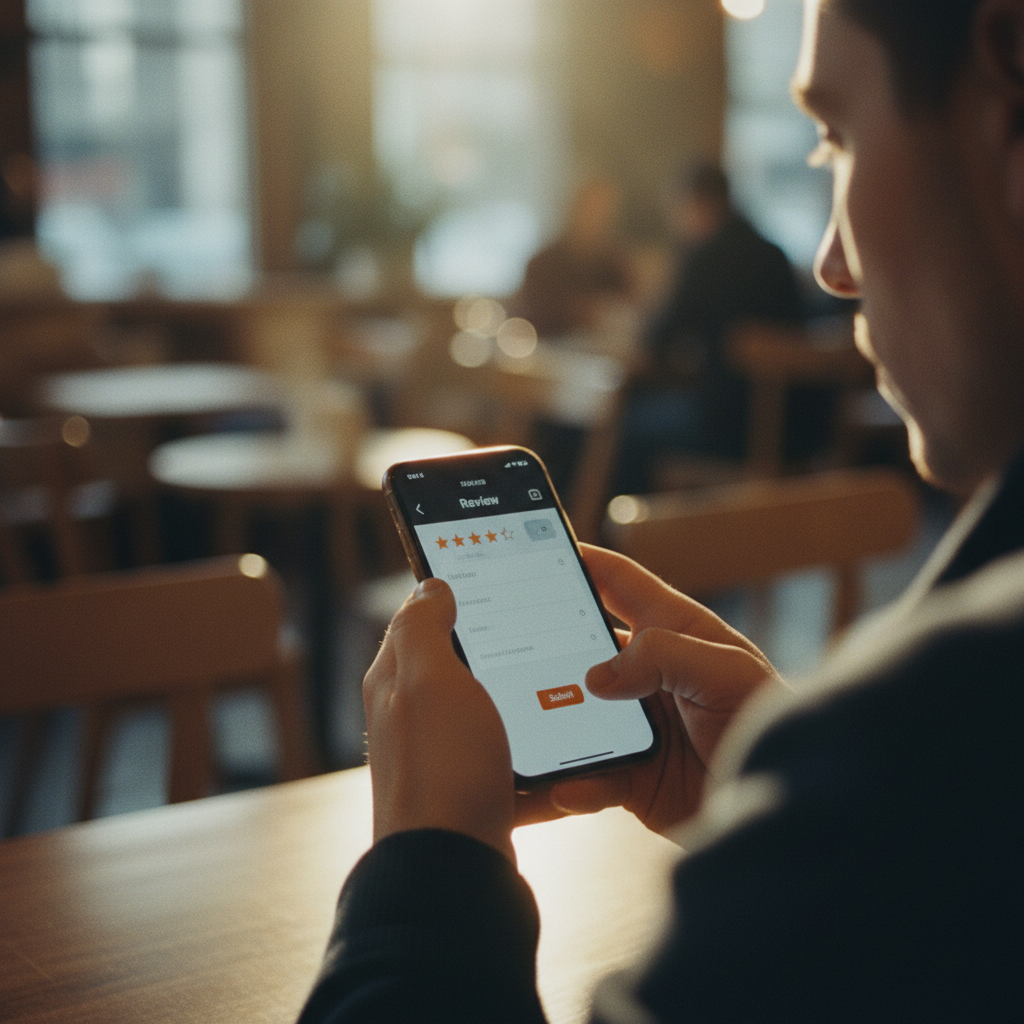
Most businesses approach reviews reactively. They wait for customers to leave them. The businesses that rank in the top three treat review generation as a process, the same way they treat invoicing or scheduling.
Ask immediately after delivery. The window for a review is the moment when the customer is most satisfied, which is right after they’ve received the service or product. Send a direct SMS or email with a link to your Google review page within 24 hours of job completion. Every day you wait, the chance drops. We’ve seen client review rates go from roughly 3% of jobs reviewed to over 25% just by switching from “hope they review us” to an automated same-day request.
Make it frictionless. Give them the direct link to leave a Google review, not the link to your homepage. The shorter the path, the higher the conversion. Google My Business has a share link you can generate directly from your dashboard. Use it in every request.
Recency matters more than volume. A business with 14 reviews in the past 60 days outperforms one with 200 reviews where the last one was eight months ago, all else being equal. Build the habit of consistent review generation rather than a burst campaign that goes quiet. Twelve new reviews per month beats 150 reviews from a launch event that happened two years ago.
Respond to every review. Positive reviews get a brief, personal thank-you. Negative reviews get a calm, professional acknowledgment that addresses the specific concern and offers to resolve it offline. Responses to negative reviews aren’t about winning the argument. They’re signals to Google and to every future customer reading the review that this business is managed by real people who care. Unanswered negative reviews drag Prominence scores. Responded ones are largely neutralized.
Local citations and directory listings
A citation is any mention of your business Name, Address, and Phone number (NAP) on an external website. Google cross-references these mentions to verify your business is legitimate and your location data is accurate. Inconsistency is a trust killer.
Audit your existing citations first. Search for your business name on Google and check every listing that appears: Justdial, IndiaMart, Sulekha, Yelp, Bing Places, Apple Maps, Facebook, your industry directories. If your phone number changed six months ago and fifteen directories still show the old number, that inconsistency is actively suppressing your local rankings. Fix the mismatches before building new citations.
Priority directories to be on: Google Business Profile (the anchor), Bing Places, Apple Maps, Facebook Business, Yelp, and the top two or three directories specific to your industry or region. For a restaurant in India, that includes Zomato and Swiggy. For a medical practice, Practo. For a B2B service, IndiaMART and TradeIndia. The right industry directories carry more ranking weight than being listed on 200 generic sites.
Use identical NAP everywhere. If your address is “42 MG Road, Suite 3” on your website, it should be “42 MG Road, Suite 3” on every directory. Not “42 MG Road #3” on some and “42 MG Road, Floor 3” on others. Exact match. Google uses string matching to verify consistency, and minor variations add up to a confused trust signal. Improving your site’s overall search visibility starts with getting this foundation right.
On-page local SEO for your website
Your Google Business Profile sends local signals, and your website either reinforces or undermines them. A strong GBP paired with a weak website leaves ranking on the table.
Add your full NAP to the footer of every page. Matching your website’s address to your GBP address tells Google’s local algorithm that these two entities are the same business. The format should match exactly.
Build a dedicated Contact page with embedded Google Maps. The embedded map creates a direct link between your website and your GBP entity. It’s a small signal but it costs nothing to add and most local competitors haven’t done it.
Create location-specific landing pages. If you serve Delhi, Gurgaon, and Noida, build individual pages for each service-location combination: “Plumber in Gurgaon,” “Plumber in Noida.” Each page needs real content: local references, local case studies, local team details. These pages rank in organic search and send topical relevance signals back to your GBP for those areas. A website built with ranking in mind from the ground up bakes these location signals into the structure, rather than trying to retrofit them later.
Implement LocalBusiness schema markup. Add JSON-LD structured data to your homepage and contact page that matches your GBP exactly: same name, address, phone, hours, service types, and geo-coordinates. Use Google’s Rich Results Test to verify the implementation. Schema markup doesn’t guarantee a rich result in local search, but it removes ambiguity about what your business is and where it operates, which directly feeds the Relevance signal. If you want a structured plan for layering all these signals together, building a results-driven SEO plan covers how local on-page and GBP work together as a coordinated strategy.
Frequently asked questions
How long does it take to rank on Google Maps?
For businesses in low to mid-competition local markets, meaningful ranking movement typically happens within 60 to 90 days of a full GBP optimization and citation cleanup. For competitive local markets (dentists, lawyers, contractors in major cities), the timeline extends to four to six months. The fastest gains come from completing your GBP fully, fixing NAP inconsistencies, and starting a consistent review generation process in the first 30 days. Reviews are the factor that moves fastest once the process is in place.
Can I rank on Google Maps without a physical address?
Yes, with limitations. Service-area businesses (plumbers, cleaners, mobile services) can register a Google Business Profile with a service area instead of a displayed address. Google will rank you for searches within your declared service area. However, businesses with a physical address listed will outrank service-area-only businesses for “near me” searches in that exact location. If you operate from a home address you don’t want public, you can hide the address while keeping the GBP active for service-area visibility.
What’s the most important thing I can do for local SEO right now?
Complete your Google Business Profile fully and start asking every customer for a review the same day you deliver the service. These two actions alone move more businesses into the local pack than any other single change. The profile completion and category accuracy affect Relevance immediately. The review velocity affects Prominence within 30 to 60 days. After those two, fix NAP inconsistencies across your major directory listings. Three actions, done consistently, outperform a complex strategy that never gets executed.
How do I get more Google reviews without paying for them?
The direct ask, sent at the right moment, is far more effective than any indirect nudge. Send a text or email within 24 hours of completing a job with a single line: “We’d love a Google review if you have two minutes” followed by your direct review link. Don’t ask in person (people forget) and don’t incentivize reviews (Google prohibits it and filters reviews that look incentivized). Businesses that automate this with a simple CRM trigger routinely see 20 to 30% of customers leaving reviews. Those that rely on customers to self-initiate get under 5%.
Does having more photos on Google Business Profile help rankings?
Yes, measurably. Google’s local ranking algorithm rewards active profile management, and photo uploads are one of the clearest activity signals. Profiles with 100 or more photos get significantly more views and direction requests than profiles with under 10, according to Google’s own published data. More importantly, real photos (not stock images) tell both Google and potential customers what your business actually looks like and does. Upload photos of your team, your completed work, your location, and your products consistently, not all at once during setup.
Ready to start showing up when local customers search for what you offer? Talk to the Sky Storm Digital team about a local SEO strategy built around your service area and your specific competition.