Shopify SEO Checklist for Indian Stores: 30 Fixes That Move Rankings

Shopify does plenty of SEO already. It writes the sitemap and sets canonical tags without anyone touching a file. It also ships with a few habits that hold Indian stores back, and most of them don’t show up until you open Search Console and wonder why your best collection is stuck on page three.

Below is the Shopify SEO checklist we’d run on any Indian store, 30 fixes grouped by area and written so an owner can do most of them and hand the rest to a developer. Some take five minutes. A few need a developer for an afternoon, and we’ve said so where that’s the case.

Key takeaways

  • Fix duplicate product URLs first. Collection-path links split signals across copies of the same page.
  • Phones carry the traffic. StatCounter put mobile at 84.21% of Indian web traffic in October 2026.
  • Write your own product copy. Marketplace descriptions pasted onto Shopify give Google nothing new.
  • Price in rupees, in the markup too. Merchant listing schema can show INR price and stock in results.
  • We'd start with ten of the 30. The priority list near the end names them.

Crawling and indexing

Nothing here touches your design. These seven fixes decide whether Google can find and index your store at all, so they come first even though they’re the least exciting part of the whole list.

1. Turn off the storefront password

Plenty of stores launch with the password page still on for a few days just in case, but Shopify’s help docs say your store can’t be in private mode if you want Google to read your sitemap, so it needs to come off the day you go live.

2. Submit your sitemap in Search Console

Shopify builds the file for you. It sits at the root of your domain as sitemap.xml, updates itself whenever you add products or collections, and links out to separate sitemaps for products, collections, pages and blog posts. Verify your domain in Search Console first, then add sitemap.xml under Indexing, Sitemaps.

3. Pick one primary domain

Two minutes in Settings. Your store answers on its myshopify.com address as well as your own domain, and Google only needs one of them, so set a primary domain under Domains and let everything else redirect to it.

4. Leave robots.txt alone unless you have a reason

Shopify calls its default file optimal for most stores. You can edit it through robots.txt.liquid. Be careful if you do. The same help page warns that getting it wrong can result in loss of all traffic, and Shopify Support won’t help you untangle edits to that file, so this one belongs with a developer who has done it before.

5. Read the Pages report every month

Once a month, open the Pages report in Search Console and look through the excluded URLs, because that’s where problems with important products show up first. A bestseller marked ‘Crawled, currently not indexed’ is a warning. Google saw the page and passed. Thin copy or a near-duplicate is the usual reason, and our technical SEO audit guide covers the other statuses and what each one means.

6. Keep redirects on when you change a handle

Change a product handle and Shopify shows a small tick box, ‘Create a URL redirect’, right under the field. Leave it ticked. Without it, every link and ranking that pointed at the old URL lands on a 404, and for a bigger restructure our guide to changing URLs without losing rankings walks through the full process.

7. Connect Google Merchant Center

Free product listings on Google sit outside the blue links but still bring in buyers, and connecting the Google & YouTube app sends your catalogue to Merchant Center without a feed file for anyone to maintain.

Duplicate URLs and site structure

8. Link products by their main URL

Older Shopify themes, and a few paid ones, link product cards through the collection, so the same kurti lives at /collections/kurtis/products/blue-cotton-kurti and at /products/blue-cotton-kurti. Same page, two addresses. Shopify’s developer docs admit these pages have the same content on separate URLs, and Google says duplicates split the signals that should go to one preferred URL. Your theme probably adds a canonical tag pointing at the /products/ version, but a canonical is only a hint, so the cleaner fix is getting a developer to remove the within: collection filter from your product card links.

9. Keep filtered and sorted pages out of the index

Shopify’s default robots.txt already blocks filtered and sorted collection URLs, since they duplicate content already on the collection page. Nothing to do here. The risk comes later, when someone installs a filter app or edits robots.txt.liquid and opens those URLs back up without realising, and suddenly thousands of near-identical pages are competing with your real collections.

10. Use variants for colours and sizes

One kurti in five colours is one product with five variants. Keep them together. Five separate products split your reviews five ways and give Google five thin pages to choose between. The exception is a colour people search for by name, like a bottle green saree, and that one can earn its own page with its own description.

11. Clean up URL handles before launch

Duplicate a product in Shopify and the copy arrives with a handle like copy-of-blue-cotton-kurti. They get indexed. Nobody searches for ‘copy of’. Rename handles to something short and descriptive before a product goes live, since changing one later means a redirect and a few weeks of Google catching up.

12. Keep every product within three clicks

From the home page, a shopper should reach any product in three clicks or fewer. Deep catalogues break this. A store with 2,000 SKUs and eight collections can leave hundreds of products reachable only through page 14 of a collection, and our guide to internal linking for crawl efficiency explains why Google treats those pages as less important.

Product and collection pages

Indian stores win or lose most of their organic traffic on product and collection pages. Templates hide the gaps. The seven fixes below cost nothing but time, and most of that time goes into writing copy no supplier sheet or marketplace listing can give you.

13. Write title tags for searches

Shopify uses your product name as the title tag unless you edit the ‘Search engine listing’ section at the bottom of the product page. Product names suit shelves. Bain’s 2025 report on Indian e-retail points to the growing salience of attribute-based searches. So a title like ‘Blue Cotton Kurti for Women, Straight Fit, Sizes S to XXL’ at around 60 characters matches far more of what people type.

14. Put COD and delivery in meta descriptions

Google rewrites plenty of meta descriptions, but a good one still earns clicks when it’s shown. Indian shoppers scan for deal-breakers. If you offer COD or free delivery over ₹499, those words belong in the first 120 characters, where they’ll survive being cut short on a phone screen.

15. Replace marketplace descriptions

A lot of Indian Shopify stores also sell on Amazon and Flipkart, and the same product description gets pasted across all three. Google already has that text from a site with far more authority than yours. Rewrite it for your own store. Cover the fabric, the fit, how it washes and who it suits, and if you want a template for the rest of the page, our complete guide to Shopify SEO in 2026 has one.

16. Add copy to collection pages

A product grid alone is thin. Google gets very little to rank from rows of thumbnails and prices, so write 80 to 150 words above or below the grid covering which styles the collection holds and roughly what they cost.

17. Write alt text for every image

Shopify lets alt text run to 512 characters but recommends 125 or fewer. That’s plenty. Describe what’s in the photo the way you’d describe it to a customer on the phone, colour and fabric included, and skip stuffing the product name in three times.

18. Rename image files before upload

Rename IMG_2034.jpg to blue-cotton-straight-kurti.jpg before you upload it, because Shopify keeps the original file name in the image URL and Google reads it as one more small hint about what the picture shows.

19. Show reviews on product pages

Reviews are free content. They give every product page text in your buyers’ own words, often with the exact phrases other buyers search for. A reviews app such as Judge.me can add star ratings to your product markup, and those stars can then show up beside your listing in search results whenever Google decides to display them.

Speed and mobile

Speed on Shopify is mostly about what you’ve added on top of the theme. The servers are quick. Your add-ons aren’t. Apps and oversized images are where the time goes, and that cost lands hardest on the budget phones most Indian shoppers carry around all day.

20. Design for the phone first

StatCounter put mobile at 84.21% of Indian web traffic in October 2026, against 15.17% for desktop. Phone first, always. Check the menu and the add-to-cart button with your thumb, on a real device, before anyone on the team even opens the desktop preview on their laptop.
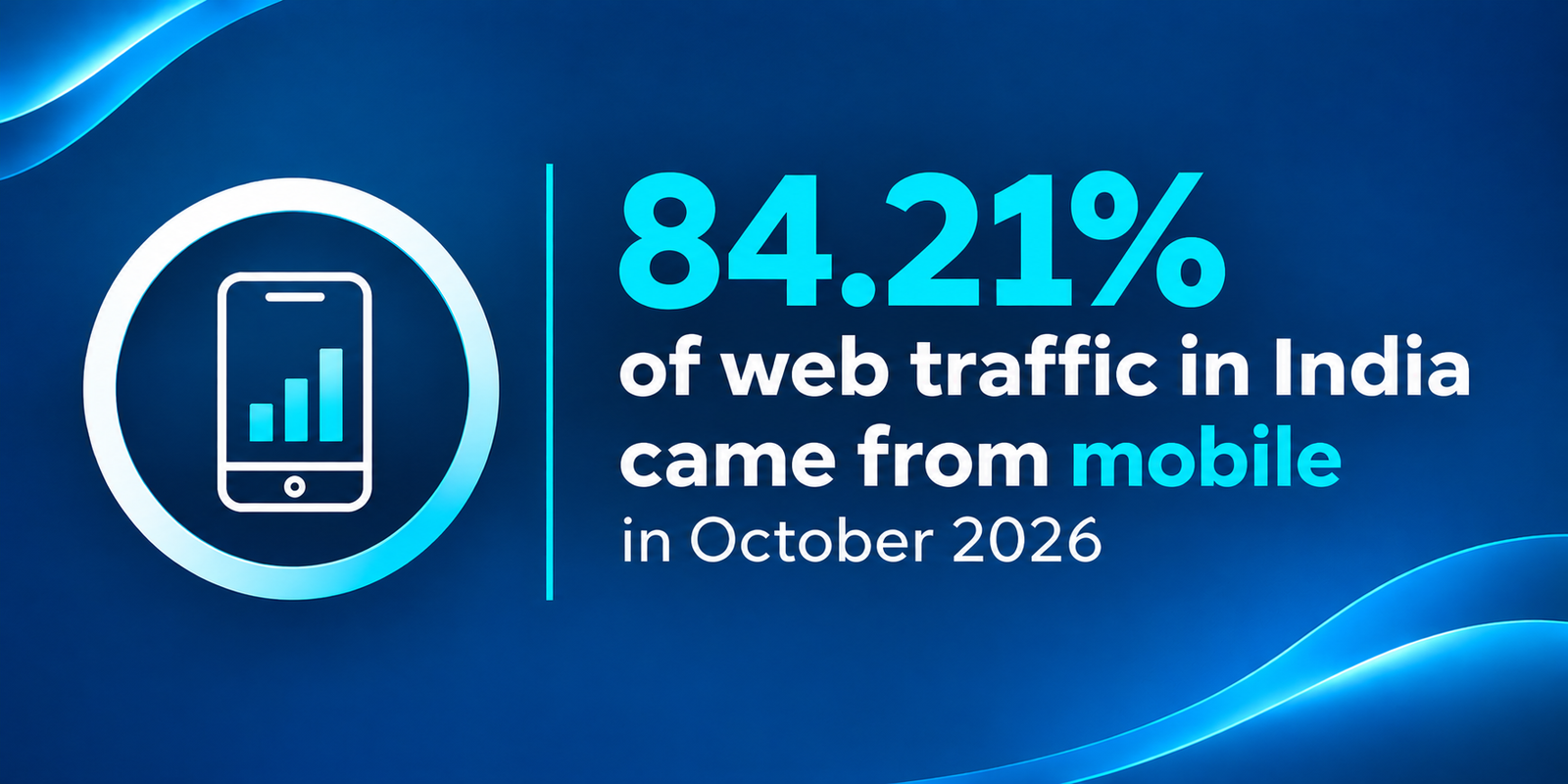
Stat card: 84.21% of web traffic in India came from mobile in October 2026

21. Hit the Core Web Vitals thresholds

Google asks for an LCP within 2.5 seconds, INP under 200 milliseconds and CLS under 0.1. Templates are the unit. Search Console’s Core Web Vitals report groups URLs by template, so one slow product template shows up as hundreds of failing pages, and fixing that single template clears them all at once.

22. Remove leftover app code

Uninstalled apps leave code behind. Open the theme files, search for the app’s name and you’ll often find scripts still loading on every page months after the app itself was deleted, which a developer can clear out in about an hour.

23. Swap the slider for one banner

A three-slide hero carousel full of 2 MB images can push LCP well past 2.5 seconds on a phone, and the slides after the first one rarely get seen anyway. One compressed banner does the job.

24. Test on a mid-range Android phone over 4G

Your developer tests on a MacBook. Your customers often don’t. A lot of them, including many of the almost 60% of new shoppers since 2020 who came from Tier-3 and smaller cities according to Bain, are on a ₹12,000 Android phone over patchy 4G. Loading your store on one of those before signing off a redesign tells you more than any lab score.

Structured data

25. Check product schema shows INR prices

Product markup lets Google show price, availability, review ratings and shipping information right in the results. Your theme probably outputs it already. Run a product URL through Google’s Rich Results Test anyway and check the currency reads INR and the price matches the page, because a mismatch after a sale ends is a common reason listings lose their price.

26. Add shipping and return policy markup

Google’s merchant listings support shipping details and return policies, so shoppers can see the delivery cost and the return window before they click. Few stores bother. For an Indian store with free delivery over ₹499 and a 7-day return, that’s two extra lines in the result that competitors often aren’t showing. Worth the hour.

27. Re-test markup after every theme update

Theme updates break markup. New apps do it too, and more often than people expect. Re-run the Rich Results Test on a product page and a collection page after every change, and keep the screenshots so you can see later what broke and when it happened.

Content and tracking

The last three fixes are about matching how Indians search and shop. Less technical. Long-term growth tends to come from here once the plumbing above is sorted out and Google can crawl the store and trust what it finds there.

Our guide to ecommerce SEO in India goes deeper on keyword research for D2C brands if you want more than the three fixes here.

28. Build collections for how Indians search

Indian shoppers search by price band and by occasion far more than global checklists assume, with queries like ‘kurti under 999’ or ‘Diwali gifts for parents’. Bain counted over 270 million online shoppers in India in 2024. Plenty type in Hinglish. Price-band and occasion collections give those searches a page to land on.
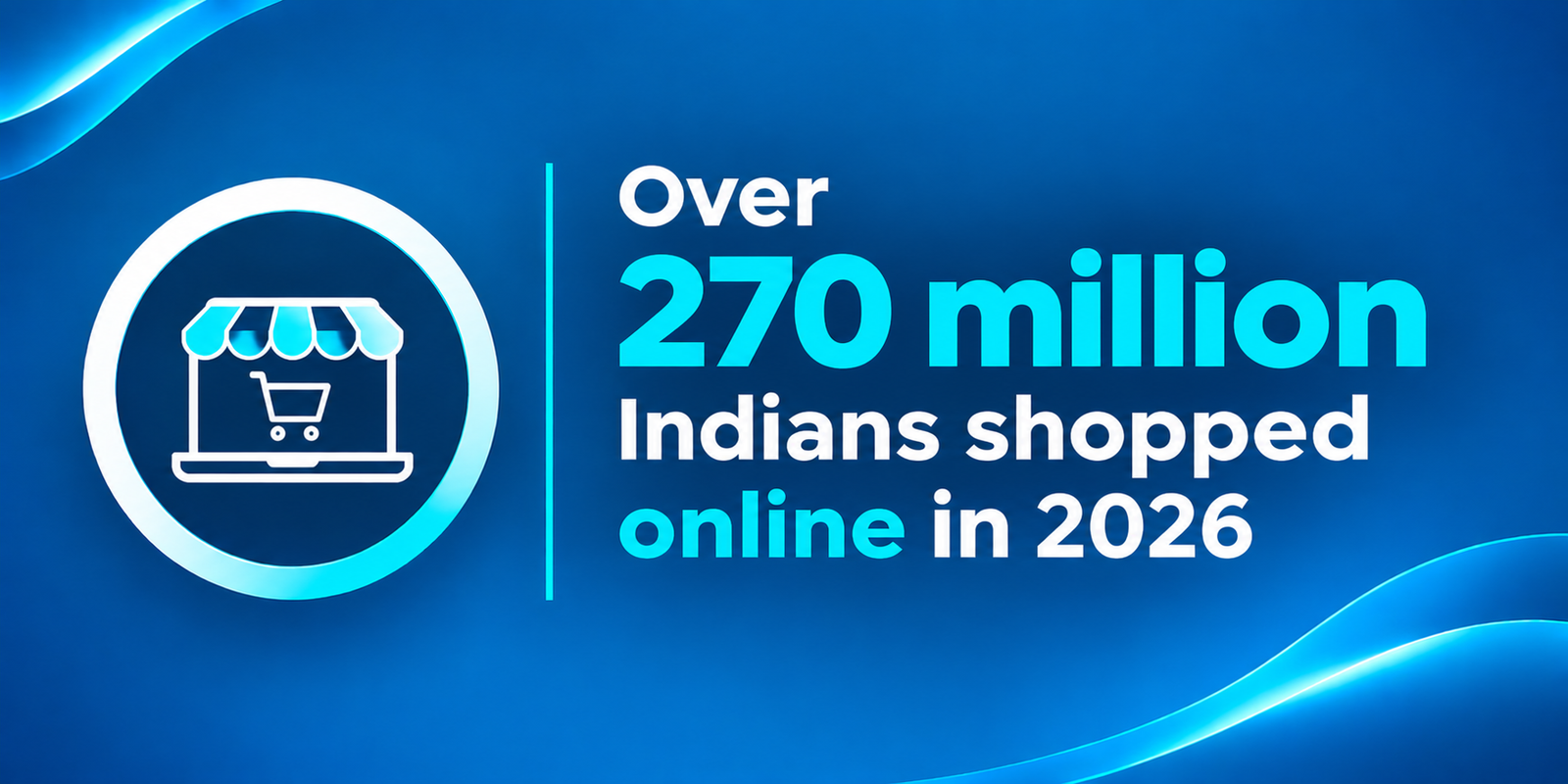
over 270 million Indians shopped online in 2026

29. Publish buying guides that link to collections

Buying guides rank for searches a product page never will, like ‘how to choose a cotton saree for summer’, and every one should link to two or three collections. Timing matters. Publish festive guides six to eight weeks before the season, and our Diwali ecommerce checklist has the timeline we work to.

30. Track clicks by page type

Search Console lets you filter by URL, so you can split clicks between /products/ and /collections/ pages and watch each group on its own. Do it monthly. If collection clicks climb after fix 16 while product clicks stay flat, you know which work is paying off and where the next month’s hours should go.

Which fixes should you do first?

If you only have one weekend, start with fixes 1, 2, 8, 11, 13, 15, 16, 20, 21 and 25, because between them they cover indexing, duplicate URLs, the pages that sell and how fast those pages load on a phone. The other twenty build on top.

Platform-level fixes do move numbers. When we moved a wedding invitation store from PHP to Shopify and rebuilt its SEO, revenue went up 320% and the store reached first place on Google for ‘Indian wedding cards’, and the full case study lists what we changed.

Picture of Pooja Garg

Pooja Garg

Pooja Garg is the founder of Sky Storm Digital, a creative digital marketing agency dedicated to helping brands grow through strategy, storytelling, and design. With a passion for blending creativity and data-driven insight, Pooja writes about digital marketing trends, brand building, and the ever-evolving online landscape.

When she’s not crafting campaigns, she’s exploring new ways to connect creativity with technology.

Tags
What do you think?
Leave a Reply

Your email address will not be published. Required fields are marked *

What to read next