A dental clinic in Jaipur can put an ad above every competitor for “dentist near me” by lunchtime today. Paying for itself is harder. Most Google Ads for business in India go wrong on the dull parts: a billing setup that stalls on an RBI card mandate, campaigns that show in the wrong city, or a ₹30,000 budget that quietly becomes ₹35,400 once GST lands on the invoice. This guide walks through setup, campaign types and budgets in that order, with rupee figures and Google’s own rules wherever they exist.
Key takeaways
- Google sets no minimum budget. A campaign can spend up to twice its daily budget on a busy day but never more than 30.4 times it in a month.
- Add GST to every rupee of spend. Google India charges 18% GST on top, so a ₹30,000 budget needs ₹35,400 of cash.
- Start with one Search campaign. Move to Performance Max once conversion tracking has a few weeks of clean data behind it.
- Card autopay is capped. Under RBI rules automatic card payments are limited to ₹15,000, so set up the e-mandate before launch.
Is Google Ads worth it for a business in India?
Google Ads is Google’s auction-based advertising platform, where you pay to show ads on Search, Maps, YouTube, Gmail and partner sites, and for most campaign types you pay only when someone clicks. Is it worth it? Usually, yes. It reaches people at the exact moment they search for what you sell, and you can switch it off the same afternoon if the numbers don’t work.
The audience is huge. The IAMAI Internet in India Report 2025 counted 958 million active internet users, and 548 million of them live in rural India. If you sell beyond the metros, plenty of your next customers are searching from a phone in a town your sales team has never visited.
Search habits differ here too. Google’s Prabhakar Raghavan said in 2023 that about a third of search queries in India are spoken, against three or four percent in the US. Spoken searches run longer and often mix Hindi with English (something like “dentist near me jo Sunday ko khula ho”), so a keyword list built only from tidy English phrases misses real demand.
Some businesses should wait. If one customer is worth ₹500 to you after costs and clicks in your category run at ₹60, the maths rarely closes, and the same money usually does more in organic search.
How do you set up a Google Ads account in India?
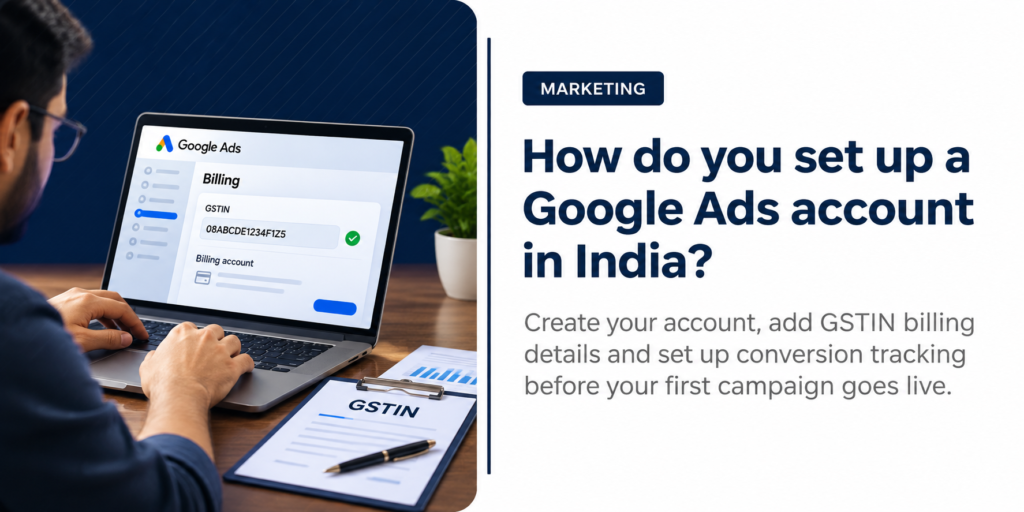
Create the account at ads.google.com with a business Google login, switch to Expert Mode before the sign-up flow pushes you into a Smart campaign, add billing with your GSTIN, then install conversion tracking before a single ad goes live, with your website logins to hand so nobody has to chase the developer halfway through. Budget about an hour.
- Use a business Google account. Sign up with an email your company owns (not a staff member’s personal Gmail), so the account doesn’t walk out of the door when someone leaves.
- Switch to Expert Mode. The sign-up flow nudges new advertisers toward Smart campaigns, which hide most of the controls you’ll want later. Look for the “Switch to Expert Mode” link on the first screen.
- Set billing to India and add your GSTIN. Google India issues the invoice and adds GST on top of your spend: CGST 9% plus SGST 9% when your billing state matches Google’s, or IGST 18% otherwise. Adding the GSTIN lets your accountant claim the input credit where your business is eligible.
- Sort out card autopay early. Under RBI’s recurring-payment rules, automatic card payments for Google Ads are limited to ₹15,000 and need an e-mandate on your card. Above that you’ll be paying manually, and a forgotten top-up means your ads simply stop.
- Install conversion tracking before launch. Add the Google tag and import your form goals from Google Analytics 4. Calls and WhatsApp button clicks need conversion actions of their own, because for most Indian service businesses that’s where the enquiries actually arrive.
- Link your Google Business Profile. Location assets put your address and Maps directions under the ad, which helps on searches with local intent. Our Google Business Profile checklist covers the profile side.
- Check for a new-advertiser offer. Google sometimes credits new accounts that spend a set amount within a time window. Under Google’s promotional offer rules, the account must be less than 14 days old when you redeem the code, and the credit can take up to 35 days to appear.
Skip one and it shows. Usually it shows within a month, as a bill that looks fine sitting next to a lead count that doesn’t, and tracking is the step we find missing most often.
Which Google Ads campaign type should you choose?
Start with Search. If people already type what you sell into Google, which covers most service businesses, a Search campaign puts you in front of them at the moment they’re deciding. Ecommerce stores with a product feed should add Shopping or Performance Max, and YouTube suits brands that need to be seen before anyone searches. Google’s own campaign type guide lays out the full list; the table below is how we’d map it to Indian businesses.
| Campaign type | Where ads show | Best fit in India | Watch out for |
|---|---|---|---|
| Search | Google search results | Clinics, CAs, coaching institutes, B2B suppliers | Broad match spending on loosely related searches |
| Performance Max | Search, YouTube, Display, Discover, Gmail and Maps | Accounts with steady conversion data | Little say over where spend goes |
| Shopping | Product listings on Search and the Shopping tab | Shopify and WooCommerce stores | Messy product feeds getting disapproved |
| Display | Banner ads on partner sites and apps | Remarketing to past visitors | Cheap clicks that rarely convert |
| Video | YouTube | D2C brands and product launches | Views that never become visits |
| App | Play Store, Search and YouTube | App-first businesses | Installs with no activity after |
Search campaigns for local and service businesses
Search is where we start nearly every service client, because the intent is right there in the query. Someone typing “CA for GST filing in Malviya Nagar” wants a CA, today. Keep the first campaign narrow. Use one service, phrase and exact match keywords, a radius around your office, and ads that repeat the words people searched, so the ad reads like an answer to their question.
Broad match can come later. Once a few weeks of conversion data exist, it starts finding searches you’d never have thought to add, but on a fresh account it mostly finds ways to spend.
Performance Max and Shopping for ecommerce
Online stores live on product feeds. A clean Merchant Center feed (accurate titles and prices that match the site) feeds both Shopping and Performance Max campaigns. Google reports that advertisers adopting Performance Max saw an average 18% increase in incremental conversions at a similar cost per action, based on its own global data from late 2022.
Treat that as a ceiling. Google’s page says results vary, and we’d only turn Performance Max on once tracking has a few weeks of clean conversions behind it, since the system can only learn from the conversions it can see. Timing matters as much as setup in ecommerce, which is why our Diwali Google Ads checklist starts a full month before the festival.
How much does Google Ads cost in India?
You set the budget. For most campaign types you pay only when someone clicks, and a click costs anything from a few rupees to several hundred depending on your industry, with GST added on top of whatever you spend.
Industry matters most. According to upGrowth’s 2026 Google Ads pricing guide healthcare clicks cost ₹30 to ₹250 and real estate ₹40 to ₹400, which is why two businesses on the same budget can end up with wildly different lead counts. Location matters too; a click in South Mumbai and a click in Bikaner are rarely priced alike.
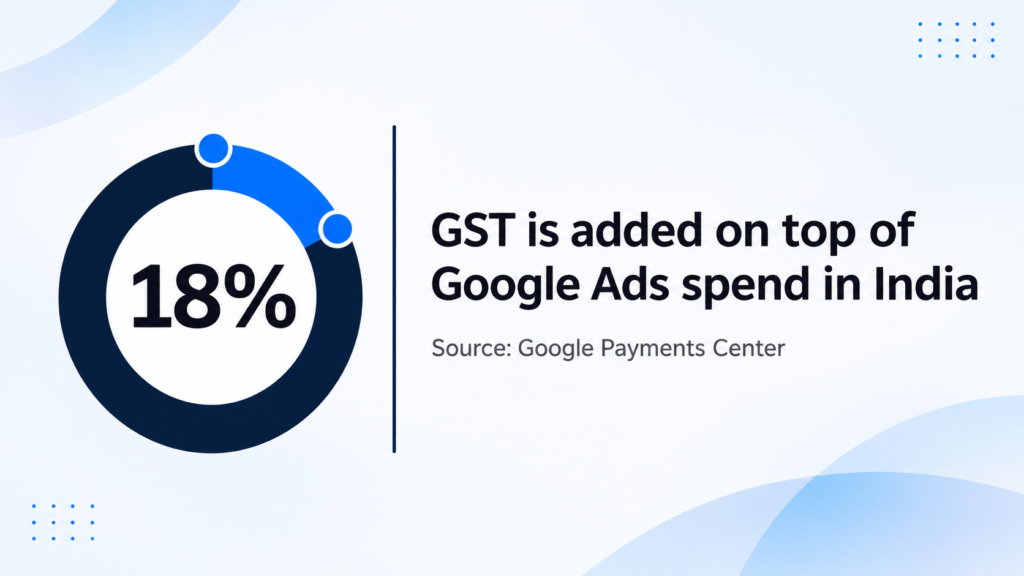
18% GST is added on top of every rupee of Google Ads spend in India, as CGST plus SGST or as IGST depending on your billing state (Google Payments Center).
Take a modest monthly budget. The CPC and conversion rate in the table are our assumptions for illustration, so treat the result as a worked example and swap in your own numbers once the account has a month of real data.
| Illustrative example | Figure |
|---|---|
| Monthly ad budget | ₹30,000 |
| GST at 18% | ₹5,400 |
| Total cash out | ₹35,400 |
| Assumed average CPC | ₹40 |
| Clicks | 750 |
| Assumed conversion rate | 5% |
| Enquiries | About 37 |
| Cost per enquiry, GST included | About ₹944 |
Agencies add a fee on top. Indian agencies typically charge 10% to 20% of monthly ad spend according to upGrowth, while some quote a flat monthly amount, so ask which model a proposal uses before comparing two of them. You can see how we approach Google Ads management in Jaipur if you’d rather not run it in-house.
What is the minimum budget for Google Ads in India?
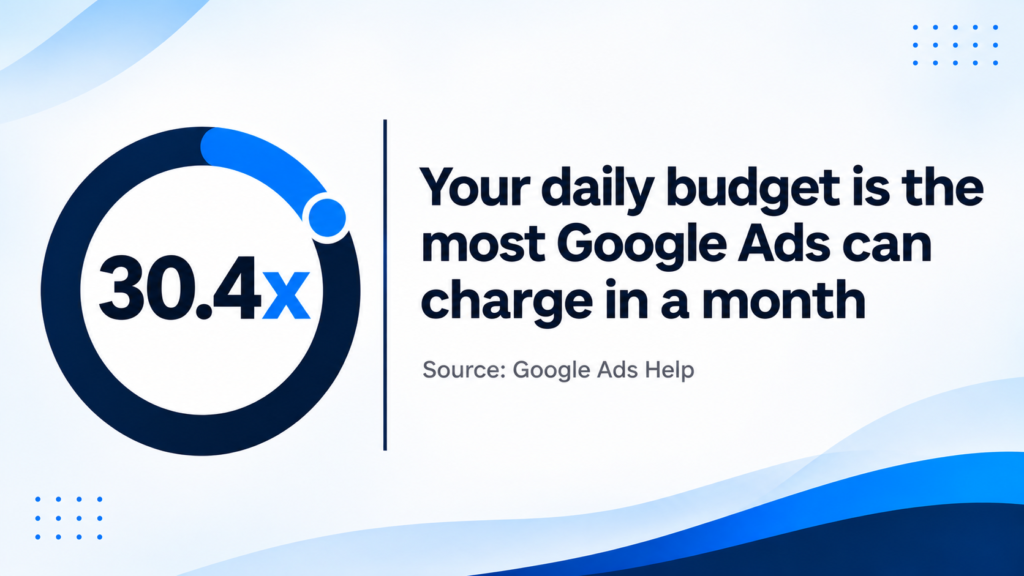
There’s no minimum. You choose an average daily budget, and on a given day Google can spend up to twice that amount to catch busy periods, but over a month it won’t charge more than 30.4 times your daily figure.
Do the maths. A ₹1,000 daily budget means at most ₹30,400 in a month, plus GST, but a budget that technically runs and one that teaches you something are different numbers. Smart Bidding, Google’s automated bidding, learns from conversions, and we’d rather see one campaign on ₹1,000 a day than four campaigns splitting ₹250 each, because none of those four will ever gather enough data to bid well.
Fewer campaigns, more data in each.
How do you promote your business with Google Ads without wasting money?
Defaults waste money. Most of the spend we see thrown away comes from five settings nobody changed after launch, and fixing them in the first week usually makes the same budget go noticeably further.
- Location targeting. Choose “Presence: people in or regularly in your targeted locations”. The default also counts people merely interested in your area, which is how a Jaipur clinic ends up paying for clicks from Dubai.
- Negative keywords. Add words like “free”, “jobs”, “course” and “salary” before launch, then read the search terms report every week.
- Ad schedule. If nobody answers the phone after 8 pm, stop paying for calls after 8 pm.
- Landing pages. Send each ad to a page that matches the search, with a WhatsApp button where a thumb can reach it. Our conversion rate optimization work usually starts on exactly these pages.
- Remarketing. Most visitors leave without enquiring the first time. Remarketing campaigns on Google bring a share of them back, usually for less than a fresh search click.
Should you run Google Ads or SEO first?
Run ads first if you need enquiries this month, and SEO first if you can wait six months or more for traffic you don’t pay for per click. Most should run both. We worked through the rupee maths in our SEO vs PPC ROI comparison, including when each one pays back, and the short version is to move money toward organic as it starts to rank.

Pooja Garg
Pooja Garg is the founder of Sky Storm Digital, a creative digital marketing agency dedicated to helping brands grow through strategy, storytelling, and design. With a passion for blending creativity and data-driven insight, Pooja writes about digital marketing trends, brand building, and the ever-evolving online landscape.
When she’s not crafting campaigns, she’s exploring new ways to connect creativity with technology.